The Deaf person signs or types
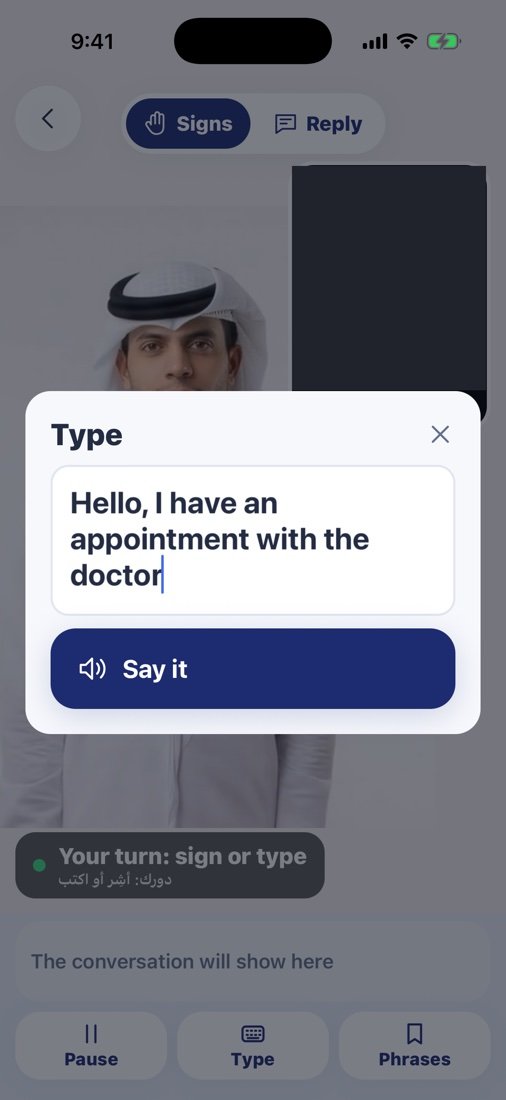
Sign to the camera, type the message, or pick a ready phrase. Signs are read on the phone and Nahyan signs each word back, so the Deaf person sees it was read right. One tap on “Say it” speaks the message aloud.
Two sides on one screen: Signs for the Deaf person, Reply for the hearing person. Nobody needs training.
Sign to the camera, type the message, or pick a ready phrase. Signs are read on the phone and Nahyan signs each word back, so the Deaf person sees it was read right. One tap on “Say it” speaks the message aloud.
The Deaf person taps “Reply” and hands the phone to the hearing person. They speak or type the reply, in Arabic or English, then tap “Send in sign language”. No sign language needed, and they never see a camera.
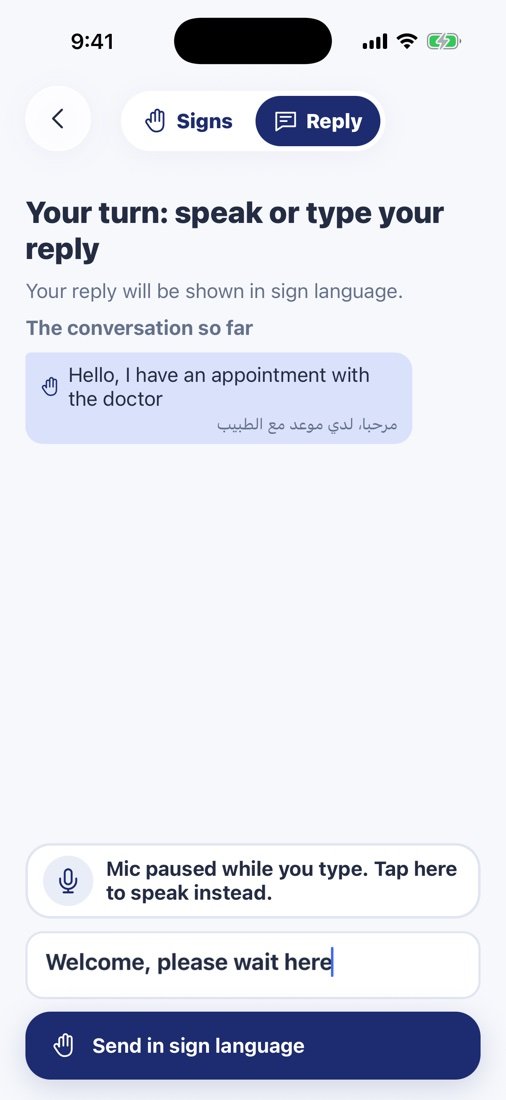
Nahyan, Ramssa’s Deaf hero, signs the reply word after word in one smooth movement and says each word aloud, as soon as the phone is back with the Deaf person.
Every message stays in order, so both people can look back. Signed messages and spoken words have their own colour and icon, in Arabic and English.
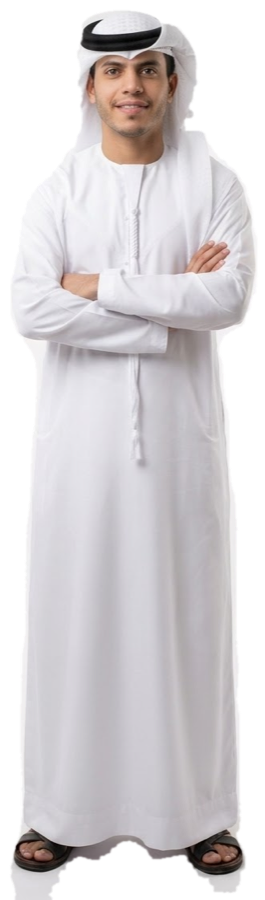
Nahyan is Ramssa’s Deaf hero. He signs every reply in Emirati Sign Language, always in the same place on screen, so the eyes never have to search. Between turns he waits calmly, blinks and smiles.
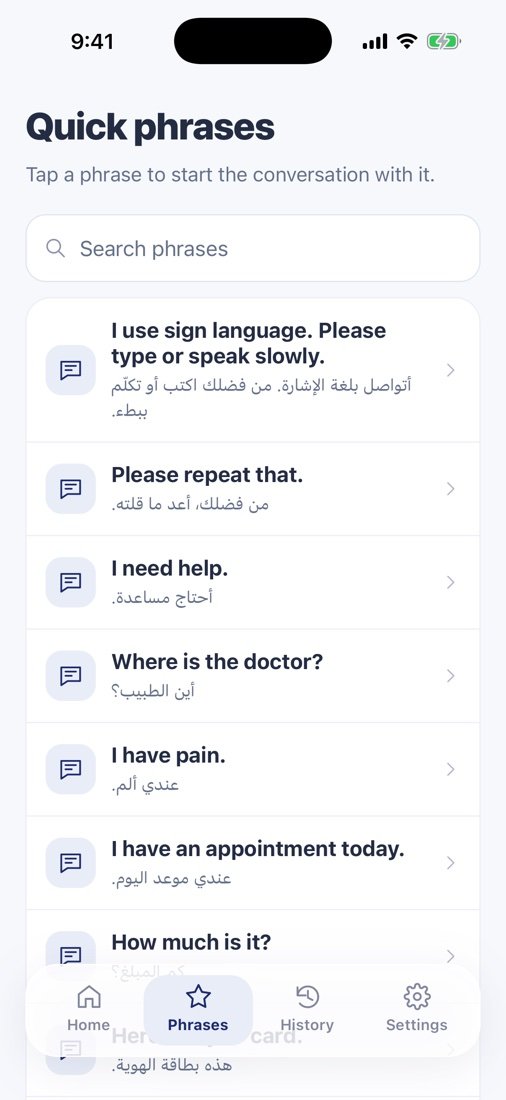
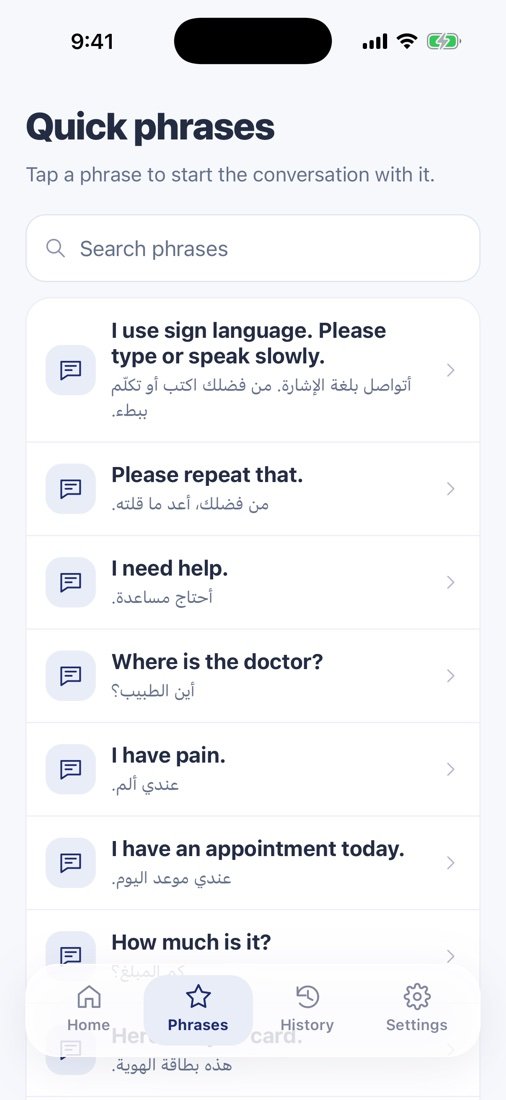
“I use sign language. Please type or speak slowly.” “Where is the doctor?” “How much is it?” Each phrase shows big on screen, in Arabic and English, and can be spoken aloud.
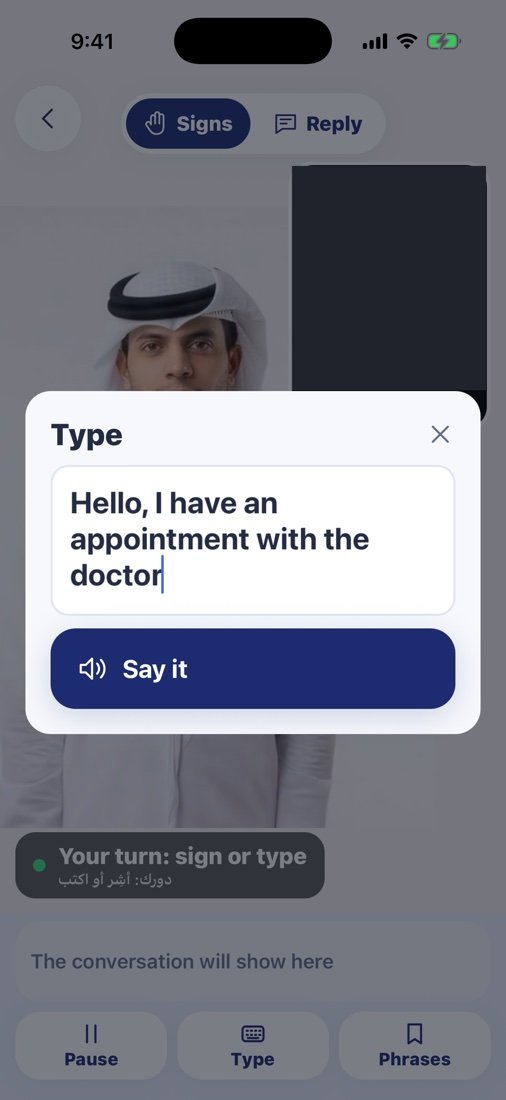
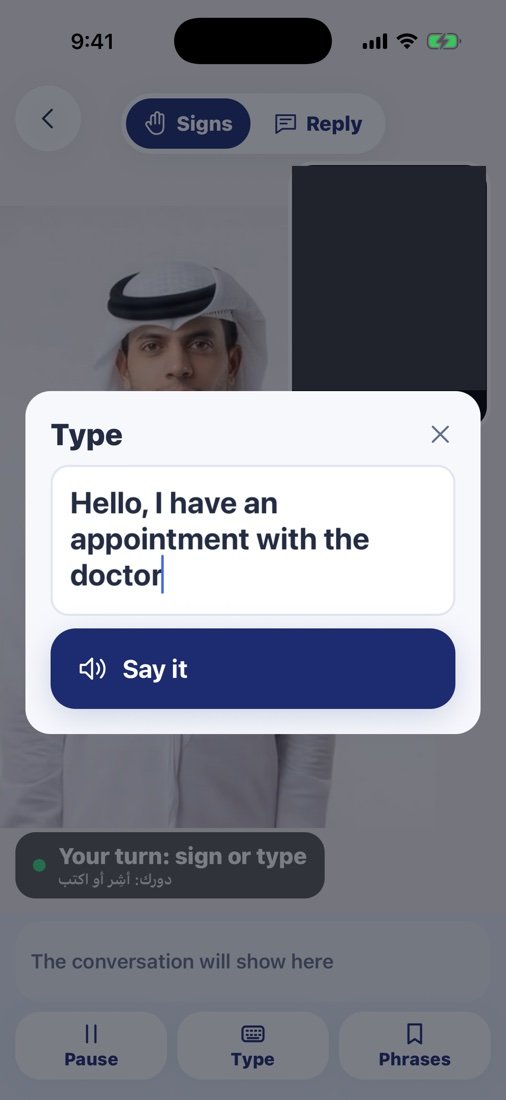
Write the message in Arabic or English and Ramssa says it aloud in a natural voice. The voice language is chosen apart from the screen: an Arabic reader can keep the app in Arabic and have it speak English at an English-speaking desk.
Ramssa reads only the position of the hands, as numbers, on the phone itself. No video is recorded or sent.
The conversation text is kept only if you want it. You can clear it at any time.
Deaf signers can teach Ramssa more signs. Only numbers are shared, never video, and only after they say OK.